


Stessa reports to DSCR loan qualification: complete 2026 workflow

Instead of manually rebuilding rental-income spreadsheets for each lender request, use Stessa reports for DSCR loan preparation to create a property-level financial package, reconcile the supporting records, and calculate coverage using the lender’s rules. This 2026 workflow turns bookkeeping records into supporting documentation—not an approval decision.
TL;DR
- Use Stessa reports for DSCR loan preparation, not as a substitute for lender underwriting.
- Loanguys offers DSCR loan programs to real estate investors through its mortgage brokerage.
- Reconcile rental income with leases and bank records before submitting your financial package.
- Calculate debt service coverage using the lender’s accepted income and proposed housing payment.
Why this matters
Your bookkeeping profit and your qualifying rental income are different figures. Stessa records help explain property performance; the lender determines which income evidence and payment calculation apply to the loan.
Loanguys is for real estate investors seeking DSCR loan financing through a mortgage broker. Before preparing a package for Loanguys, establish the property, borrowing entity, and financing goal so the document request matches the transaction.
A positive cash-flow report does not establish eligibility. Credit, property condition, valuation, reserves, loan-to-value ratio, and program requirements remain separate underwriting questions. Loan-to-value, or LTV, compares the loan amount with the property value used by the lender.
Before you start
- Access and records: Have access to the property’s Stessa records, signed leases, relevant bank statements, and supporting income and expense documents. Use a secure lender-designated channel for submission.
- A defined loan request: Identify the property address, ownership entity, purchase or refinance purpose, and intended rental use. Ask the lender which reporting period and income evidence it requires for your 2026 application.
- The gotcha: A portfolio total, bookkeeping profit, or current mortgage payment is not automatically the qualifying figure. Confirm the lender’s DSCR formula before building your worksheet, especially when the proposed loan replaces existing financing.
Property records and report settings
Prepare the property-level report
- Open Stessa and review the subject property’s transactions. Resolve transactions assigned to the wrong property, duplicates, and entries without a clear category.
- Open Reports and use Income Statement to review income and expenses. Select the subject property rather than an entire portfolio, and set the period requested by the lender.
- Review rent separately from deposits, owner contributions, loan proceeds, and transfers. Do not recategorize a transaction merely to improve the reported result.
- Export the report using the reporting controls available in your account. Preserve the original export and keep any explanatory worksheet as a separate document.
- Record the property address, covered period, and export date in your submission index. Make those identifiers consistent across the package.
Expected result: You have a property-specific income statement with a defined period and traceable transactions. It describes operating history without mixing unrelated properties or financing inflows into rent.
For a 2026 submission, distinguish a completed reporting period from an incomplete current period. Label a year-to-date report accurately rather than presenting it as a full-year result.
Do not change historical categories without supporting records. If a correction changes a previously shared report, keep a short explanation of the adjustment and issue a clearly identified replacement.
Choose the right supporting view
Different documents answer different questions. Use the income statement to summarize operations and transaction detail to explain the summary. Neither replaces the lease or independent income evidence requested by the lender.
Income statement
- Best for: Summarizing property operations
- Strength: Groups recorded income and expenses
- Limitation: Depends on accurate categories and period selection
Transaction detail
- Best for: Explaining discrepancies
- Strength: Lets you trace individual entries
- Limitation: Requires supporting records to establish what an entry represents
Qualification worksheet
- Best for: Applying lender instructions
- Strength: Separates accepted income from proposed obligations
- Limitation: Is a borrower-prepared calculation, not lender approval
Keep the views connected. A reviewer should be able to move from the worksheet to the report and then to the underlying evidence without guessing which property or period you used.
Income reconciliation and supporting evidence
Build the income trail
- Compare reported rent with the signed lease and any amendments. Identify concessions, unpaid rent, prepaid rent, or changes in the rental amount.
- Match recorded receipts to bank activity. Explain timing differences rather than changing dates to force matching totals.
- Separate security deposits and owner transfers from rental receipts. Preserve the original transaction evidence and explain any correction.
- For expenses, distinguish operating items from financing activity and owner distributions. Ask an accounting professional about uncertain classifications rather than treating all cash outflows alike.
- Write a discrepancy note for each unresolved difference. State the item, the reason, and the document that supports the explanation.
Expected result: The rental-income figure has a documented trail from the report to the lease and payment evidence. Remaining differences are visible rather than buried inside a total.
An annual period contains 12 months, but that does not mean every application requires 12 months of operating history. Use the lender’s requested period; do not substitute a preferred period because its income looks stronger.
For a multi-property bank account, identify the subject property’s receipts individually. A bank deposit total containing several properties cannot establish the subject property’s rent without allocation evidence.
Package the evidence without overloading it
Create an index that names each document and its purpose. Keep source files separate from your explanations so the reviewer can distinguish exported records from borrower-created analysis.
Include the requested income statement, supporting transaction detail, relevant lease documents, bank evidence, and reconciliation notes. Add other documents only when they answer a requirement or explain an exception.
Submit readable source documents, not screenshots of totals alone. A neatly formatted summary is useful, but it cannot establish the origin of a receipt or explain a lease discrepancy by itself.
DSCR calculation and submission package
Apply the lender’s qualification method
- Obtain the lender’s accepted rental-income figure or instructions for determining it. Identify whether the review uses lease income, appraiser-supported market rent, historical receipts, or another permitted basis.
- Obtain the proposed payment components. For many residential investment-property programs, the calculation uses principal, interest, taxes, insurance, and applicable association obligations; confirm the exact treatment.
- Put income and payment figures on the same time basis. Divide annual amounts by 12 months when converting them to monthly figures, and label each input clearly.
- Calculate the ratio using the confirmed method. Keep your operating cash-flow analysis separate from the qualification worksheet.
- Submit the indexed package and ask the reviewer to identify any outstanding conditions. Do not label the worksheet approved or qualified before underwriting confirms the result.
Expected result: You have a transparent calculation showing the income source, payment components, time basis, and supporting documents. The reviewer can check each input independently.
For a rent-based residential calculation, DSCR equals accepted rental income divided by the qualifying housing payment. A ratio of 1.00x means the accepted income equals the payment used in that calculation; it does not establish a universal approval minimum.
Commercial underwriting commonly uses net operating income divided by debt service instead. Net operating income means operating income after operating expenses and before debt service. Do not interchange these methods or divide bookkeeping net cash flow by a payment that already includes expenses deducted above.
Make the calculation easy to inspect
Your worksheet should expose its assumptions rather than hide them in a single ratio. Use separate rows for accepted income, each payment component, source documents, and questions awaiting lender confirmation.
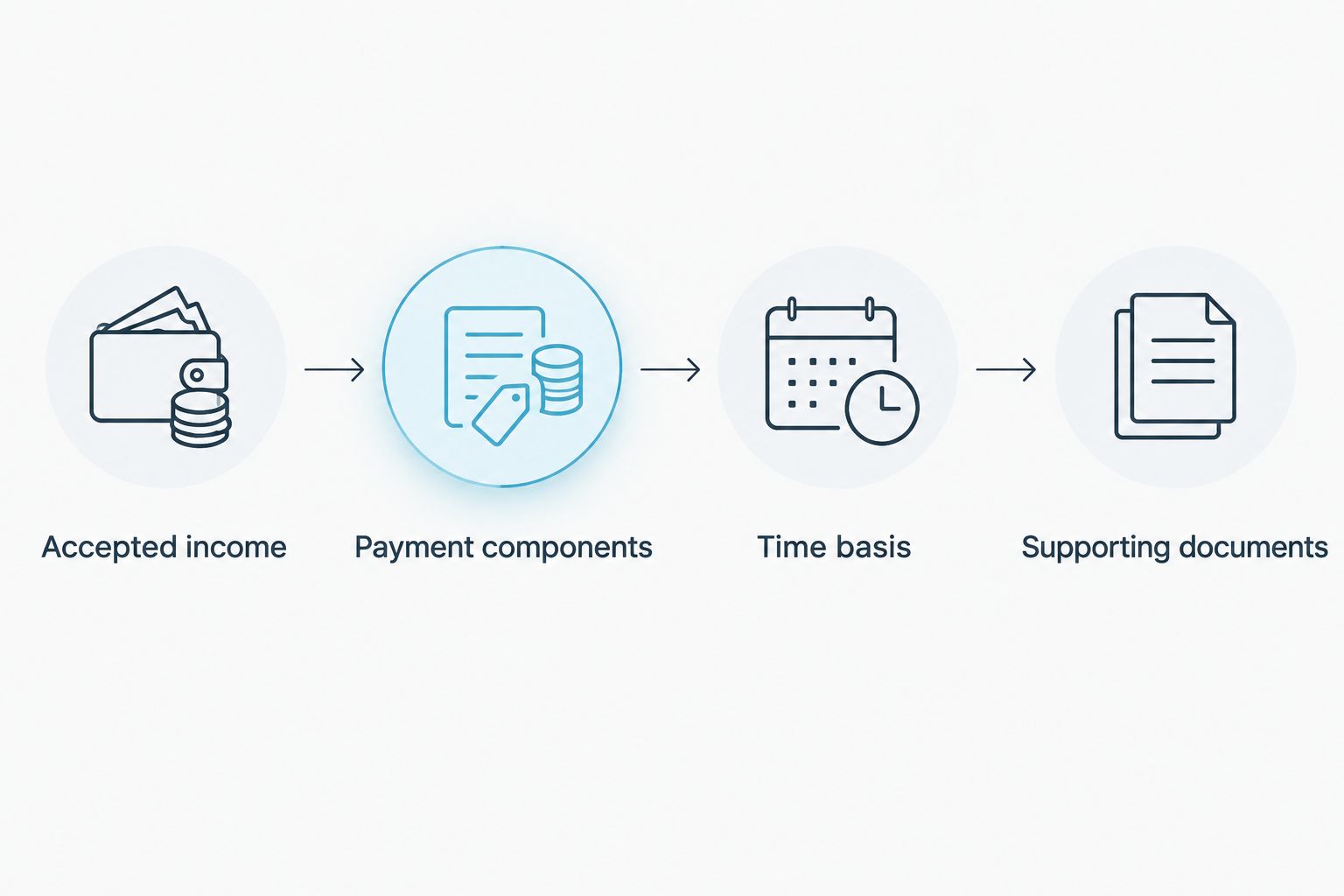
Confirm the inputs before treating a calculated ratio as a qualification result.
For a 2026 refinance request, use the proposed financing terms—not just the current mortgage statement. A different payment structure, updated tax amount, or revised insurance obligation changes the calculation.
Loanguys offers DSCR financing, but a Stessa export does not establish acceptance of a particular income method or document package. Ask which evidence applies before relying on the worksheet to make a financing decision.
Discuss your DSCR loan request
Explain your property, rental income, and financing goal before preparing the final document package.
Refresh the package when rental records change
A repeatable update process is useful when you collect new rent, correct transactions, renew a lease, or receive revised proposed loan terms. Treat this as a controlled document refresh, not an assumed connection between Stessa and the lender.
- Reconcile the changed records before generating another report.
- Export the updated report using the same property and period settings, unless the lender requests a different period.
- Update the qualification worksheet only for inputs affected by the change.
- Add a brief change note identifying what changed and why.
- Send the replacement package through the approved channel and identify which version it supersedes.
Expected result: The reviewer has a current, internally consistent package rather than competing versions with unexplained totals.
For short-term rentals, reconcile booking activity, fees, refunds, and payouts before using historical receipts. A payout and gross booking revenue answer different questions. Ask which measure the lender accepts and whether additional rental evidence is required.
This 2026 refresh process also preserves context: a stronger recent period does not erase vacancies or explain a changed rental strategy. Document the change instead of replacing the history with a favorable snapshot.
Troubleshooting
Reported rent does not match bank deposits
Check transaction dates, split deposits, unpaid rent, and receipts assigned to another property. Where a manager or booking platform deducts charges before payment, reconcile gross activity to the net deposit using the corresponding statement.
Fix: Provide a reconciliation showing the difference. Do not count both a recorded rent receipt and its bank transfer as separate income.
The report shows profit, but the qualification ratio is weak
Check whether the report reflects the existing loan while the worksheet uses proposed financing. Also inspect taxes, insurance, association obligations, and the income figure accepted by the lender.
Fix: Rebuild the ratio from confirmed inputs. Bookkeeping profit does not override a program’s qualification calculation.
The property has limited rental history
Do not fill empty periods with invented rent or present projections as collections. A new acquisition or recently completed rental needs a different evidence discussion from a stabilized property.
Fix: Ask the lender what lease, appraisal, or other rental support the program permits. Label projections and actual receipts separately.
Ownership names differ across documents
Check whether the lease, bank account, property record, and borrowing entity identify different parties. A property manager collecting rent is not the same issue as an unexplained ownership mismatch.
Fix: Supply the relevant management or entity documentation and obtain instructions for any correction. Do not alter executed documents informally.
Customize your workflow
Build a reusable folder structure around property records, income evidence, proposed financing, and submission versions. Assign responsibility for transaction cleanup and document collection so corrections do not get lost between an owner, bookkeeper, and property manager.
For a refinance that replaces short-term financing, use the guide to refinancing a hard money loan into a DSCR loan. Align the reporting package with the requested transaction rather than sending the same documents for every financing purpose.
For your next 2026 submission, retain the calculation instructions alongside the worksheet. That makes it easier to identify whether a changed result comes from property performance, new financing terms, or a different underwriting method.
FAQ
Can I use Stessa reports for DSCR loan qualification?
You can use Stessa reports to organize supporting property financial records for a DSCR loan request. The lender determines whether the reports are acceptable and what additional lease, bank, appraisal, or other evidence is required.
Which Stessa report should I prepare for a DSCR lender?
Prepare a property-level income statement when the lender requests an operating summary. Add transaction detail and source documents to explain the totals rather than assuming the summary alone satisfies underwriting.
Does a positive Stessa cash-flow report mean I qualify?
No, positive bookkeeping cash flow does not establish DSCR loan eligibility. Qualification depends on the lender’s accepted income, payment calculation, and other borrower and property requirements.
How many months of Stessa reports does a lender need?
The lender specifies the reporting period for the program and transaction. Request that period before exporting records, and label incomplete periods clearly.
Should I use my current mortgage payment to calculate DSCR?
Use the payment required by the lender’s qualification method, including the proposed financing terms when applicable. A current mortgage statement does not establish the payment for a replacement loan.
Can short-term rental payouts support a DSCR application?
Short-term rental payouts can form part of the supporting evidence when the program accepts that documentation. Reconcile payouts with booking activity, fees, and refunds, and confirm which income measure the lender uses.
Does this workflow automatically send Stessa reports to Loanguys?
No, this workflow describes report preparation, reconciliation, and document submission rather than an automatic integration. Obtain the mortgage broker’s submission instructions and use the designated secure channel.
One last thing
Save the assumptions with the report, not just the final ratio. An unchanged property can produce a different qualification result when the accepted income or proposed payment changes. The useful record is the calculation you can explain—not the largest number on the page.


